How MartynForge protects your business website
Bots, unwanted visitors and a digital security guard — website security explained without technical jargon.
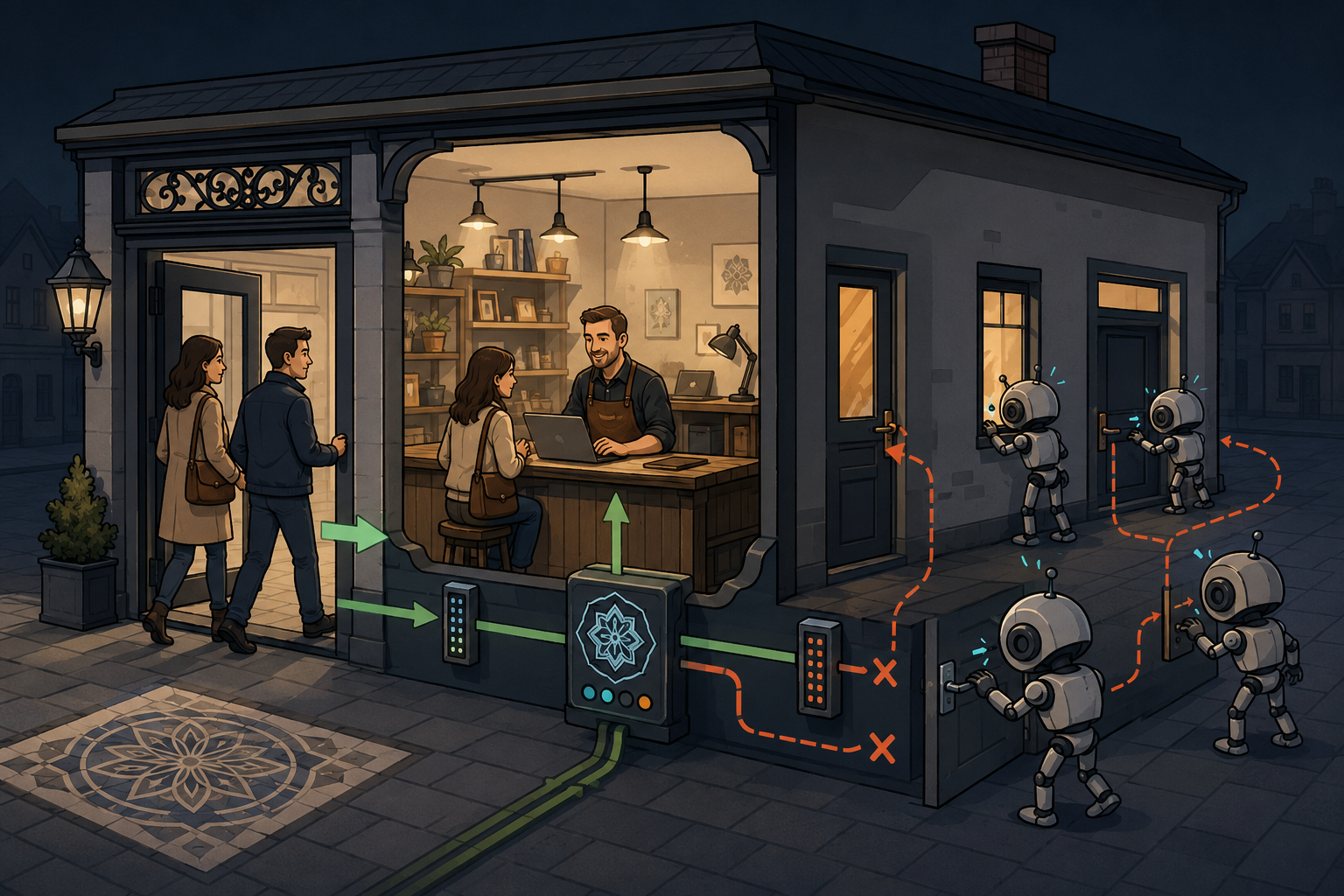
A small business website usually does not store secret starship plans or millions of euros. That does not mean nobody is checking it.
Automated bots visit public websites without an invitation. They look for poorly locked doors, outdated components, misconfigured forms and servers that answer more questions than they should.
That is why security at MartynForge does not begin after a website goes live. It is part of how the website is built, configured and tested.
Who is actually interested in a small business website?
Usually, it is not a brilliant hacker in a black hoodie who has spent months planning an attack on a local plumber, photographer or small renovation company.
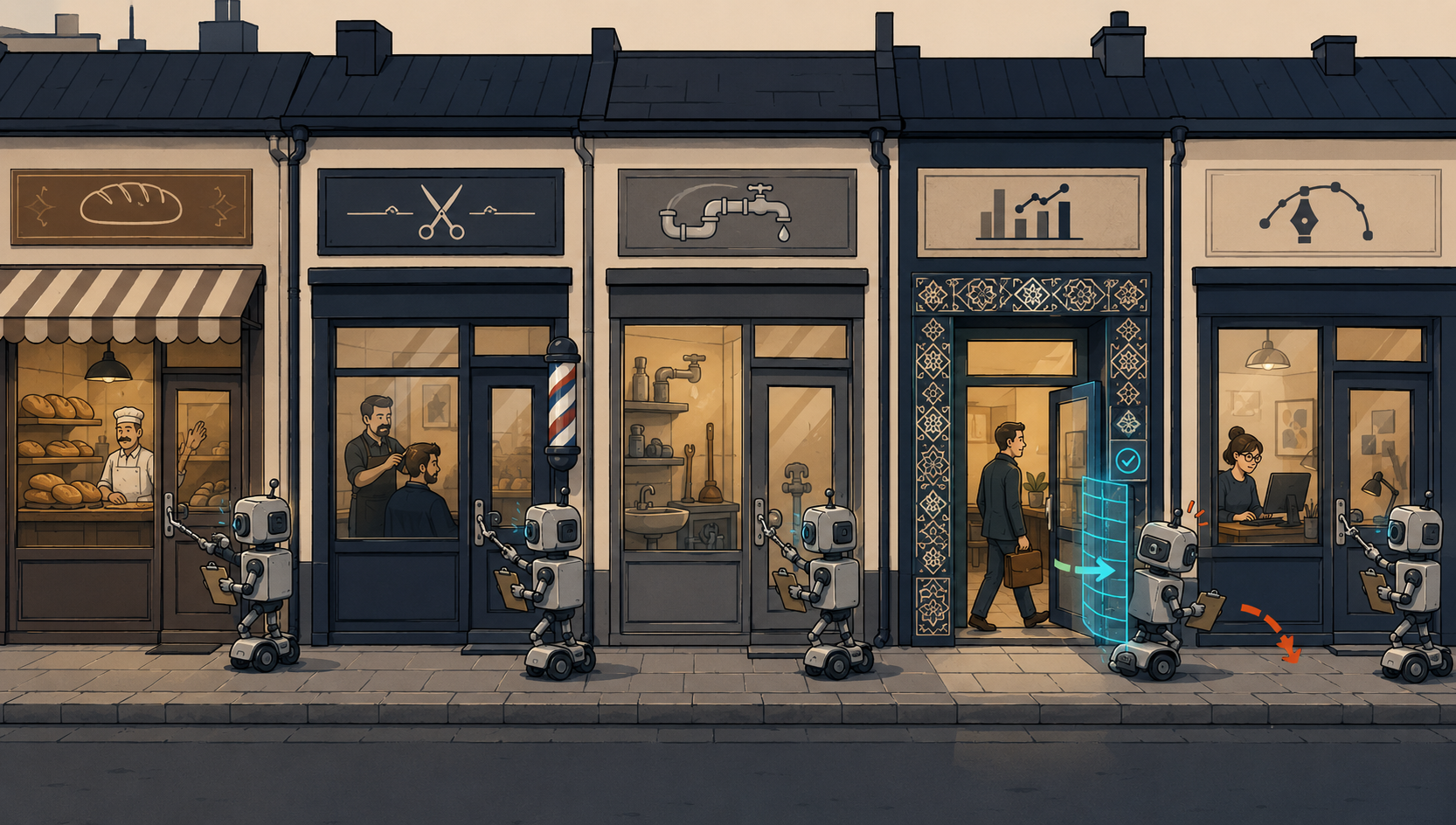
After dark, a machine moves down the street and checks every door handle. It does not know the owners. It does not care what is inside. It is only looking for a door somebody forgot to lock.
That is how much of automated internet scanning works. A bot checks thousands of addresses, forms, login panels and known weaknesses. A small company does not need to be singled out. Its website only needs to be publicly available.
What does MartynForge do?
It limits automated and suspicious traffic before it reaches the actual website. A genuine customer still sees the website normally, but a random bot does not receive unrestricted access simply because it knows the address.
Encryption: an envelope instead of a postcard
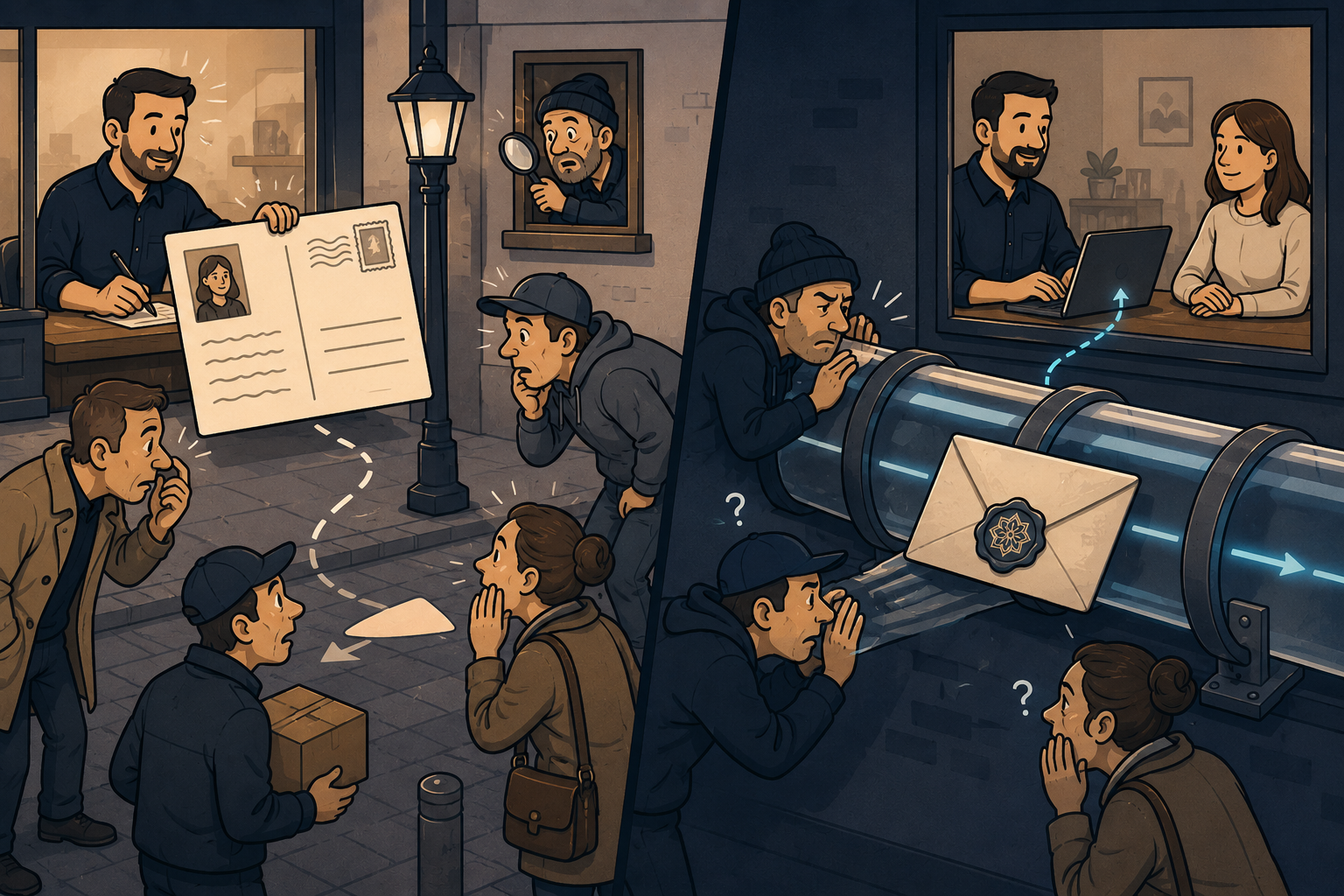
When a customer opens a website or sends a contact form, data travels across the internet. Without encryption, it resembles sending a postcard: the message reaches its destination, but its contents are easier to inspect along the way.
People along the route can still see that the parcel exists, but they should not be able to freely read or alter its contents.
For the customer, the familiar sign is an address beginning with https:// and the secure connection indicator in the browser. For the developer, that is only the beginning: every website component, form and redirect must also use the correct configuration.
What does MartynForge do?
It enforces a secure connection, removes unnecessary journeys through insecure addresses and checks that forms, images, fonts and other website elements are also loaded securely.
DNS: the internet mafia of “who knows whom”
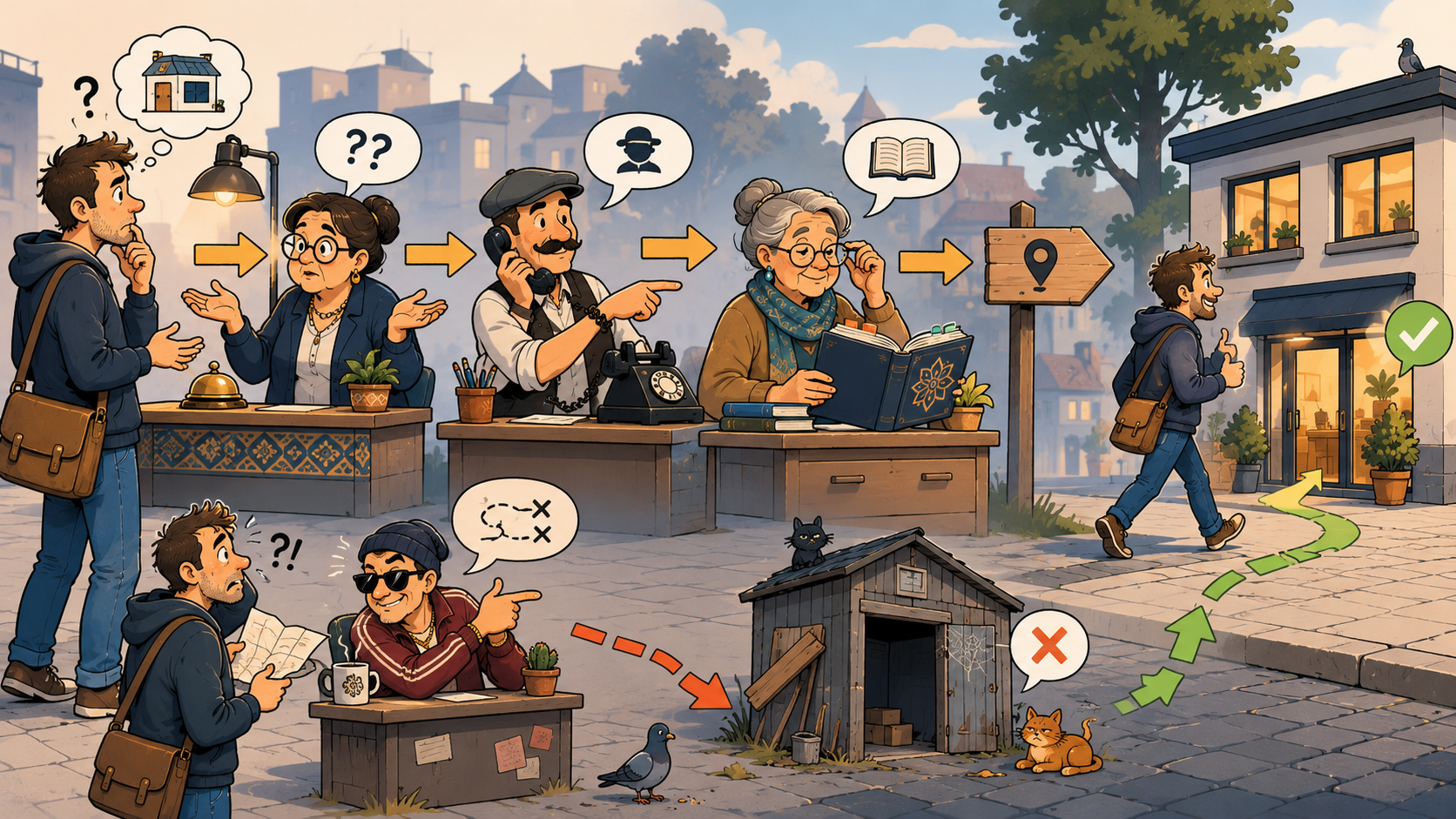
A person enters a domain name. A computer, however, needs a specific server address. DNS translates one piece of information into the other.
— Do you know MartynForge?
— Not personally, but I know someone who knows which address to send the customer to.
The internet works because each system knows whom to ask next. A little like the mafia, except records and IP addresses replace restaurants and cigars.
Problems begin when the domain points to the wrong place, the records are incorrect or the real server is unnecessarily exposed directly to the entire internet.
What does MartynForge do?
It configures the domain and DNS so visitors reach the correct destination while the infrastructure reveals no more than is necessary for the website to operate.
Unknown code on the guest list
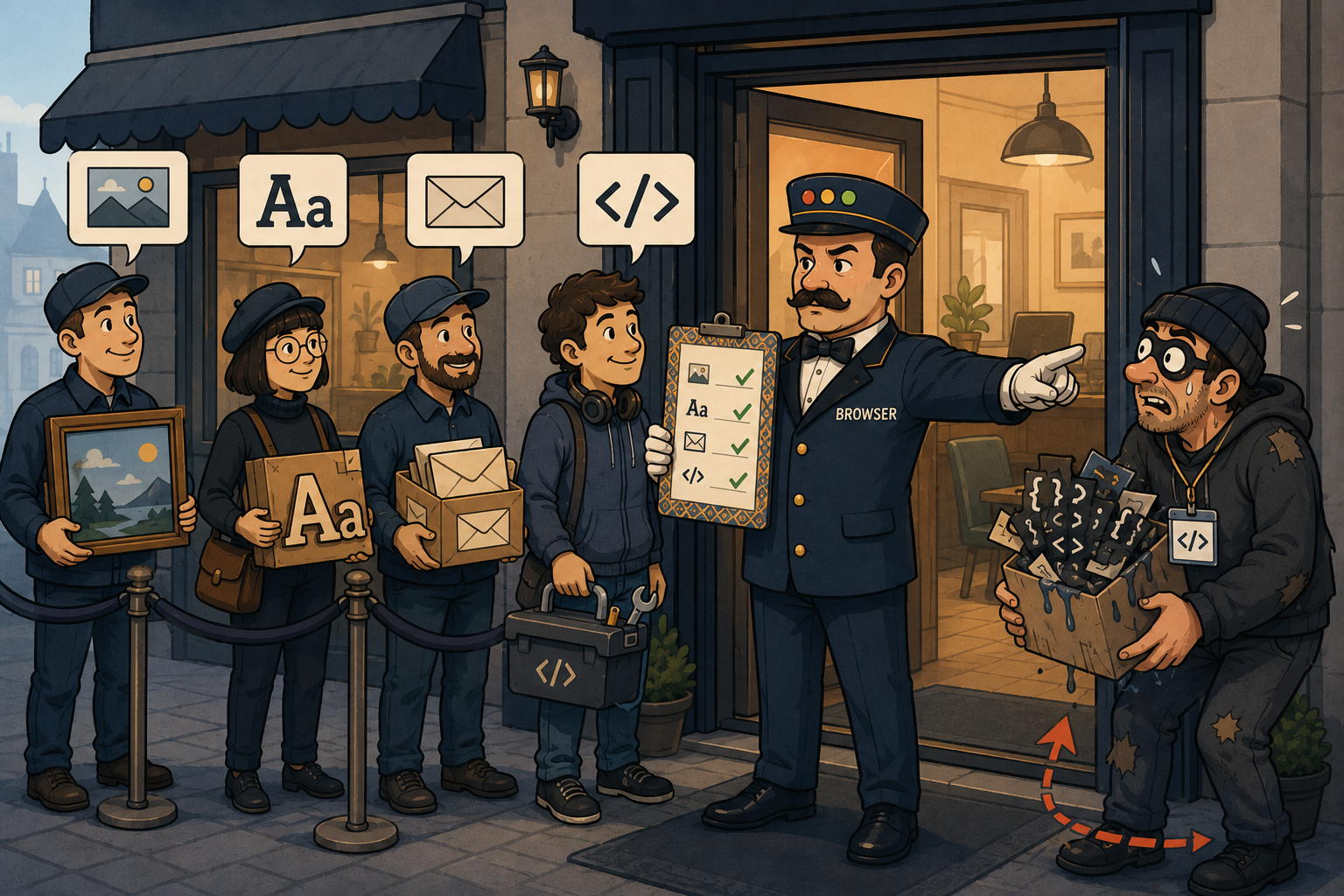
A modern website may use its own images, fonts, scripts, maps, forms and external services. The browser needs to know which sources are allowed.
A protected website gives the receptionist a list: these suppliers are trusted, everyone else waits outside.
Such rules help reduce the risk of running unknown code, embedding the website inside a suspicious frame or using browser features that the site does not need at all.
What does MartynForge do?
It defines the sources from which the website may load content and then verifies that forms, fonts, media and required integrations still work after the rules are applied.
The contact form: a reception desk accepting every parcel
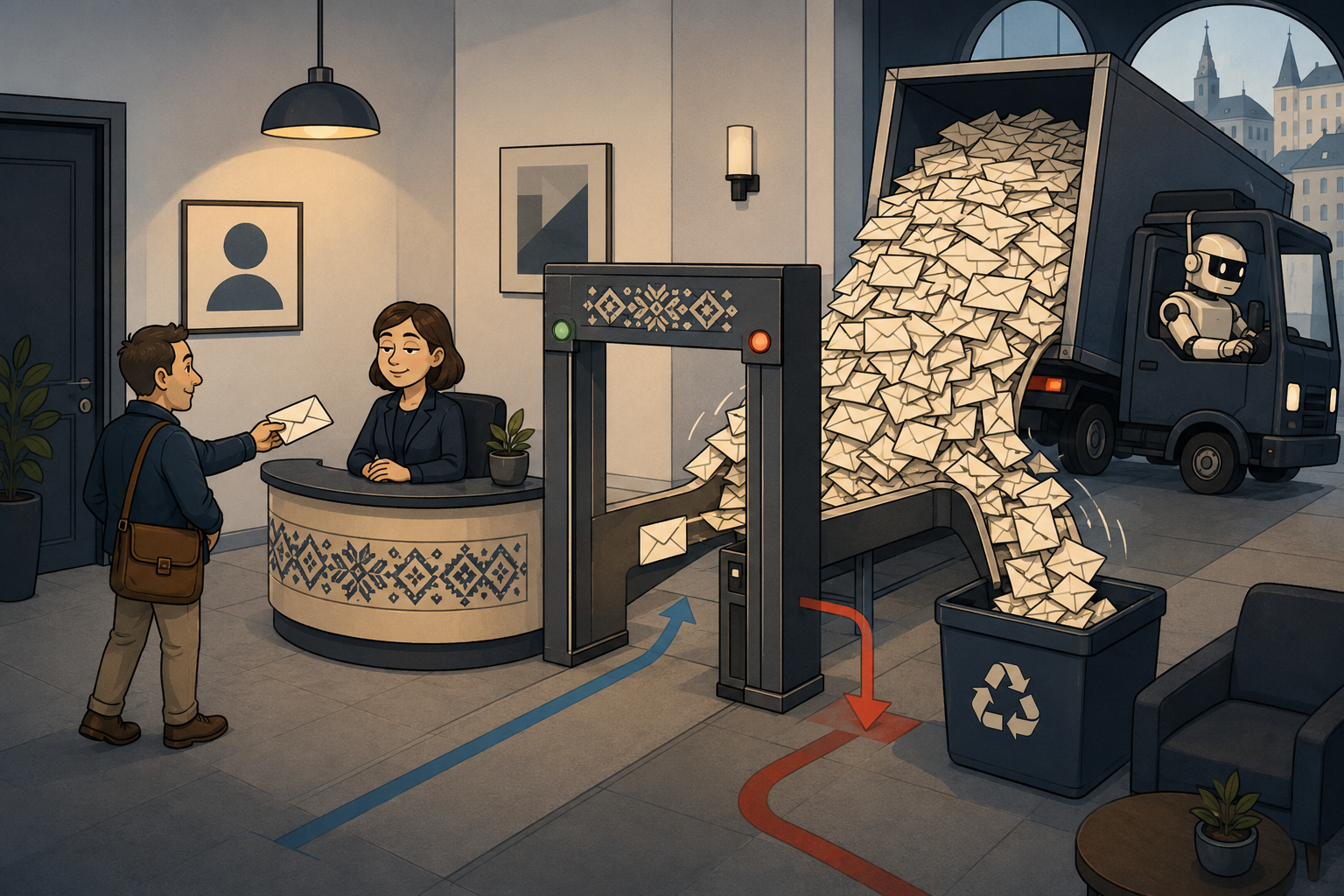
A form is convenient for the customer, but it also allows anyone to send data into the system. Without safeguards, it can be abused for spam, automated submissions or attempts to send invalid data.
Sooner or later, somebody will arrive with a lorry and claim that every parcel is urgent.
What does MartynForge do?
It validates data, limits automated submissions and uses measures that make the form harder for bots to abuse without burdening genuine customers with unnecessary obstacles.
A secure website can still be weakened
Security does not end with website code. A weak password, compromised email account, missing multi-factor authentication or outdated plugin can bypass part of the technical protection.
It is even worse when they photograph it and send the picture to every employee in a group chat.
What does MartynForge do?
It selects security measures appropriate to the type of website, documents important settings and clearly identifies the responsibilities that remain with the business owner: passwords, email access, administrator accounts, updates and the response to suspicious events.

What does MartynForge website protection look like in practice?
The scope depends on the technology, website functions and agreed service package. A simple business website requires a different approach from an online shop, customer portal or application connected to an external API.
A secure foundation
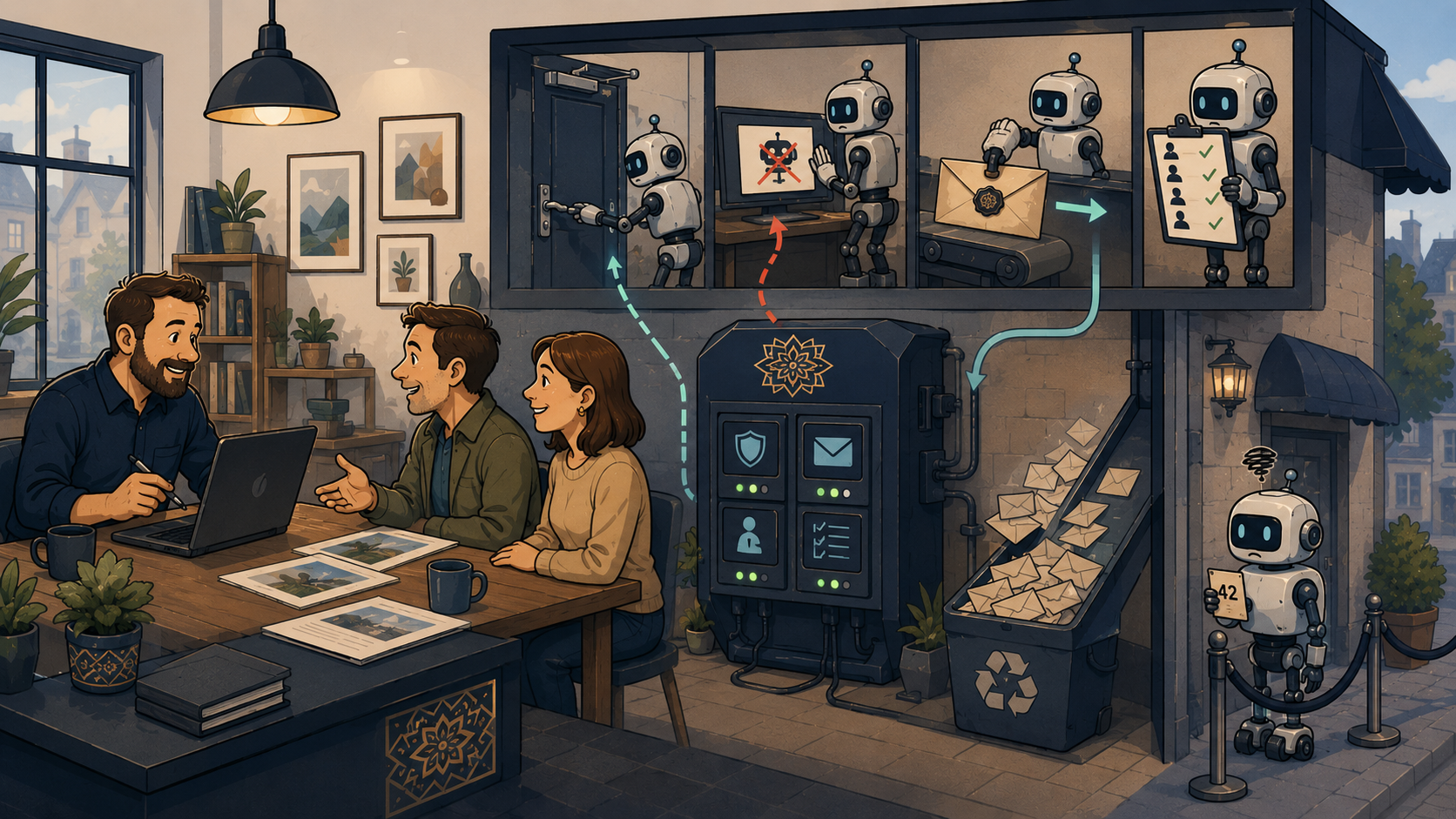
Correct configuration of the domain, DNS, encryption and the way the website is exposed to the internet.
Limiting abuse
Filtering suspicious traffic, bots and excessive automated requests.
Rules for the browser
Restricting unknown sources, unnecessary features and attempts to embed the website in the wrong place.
Post-deployment testing
Checking forms, fonts, mobile presentation, integrations and the most important user journeys.
Documentation
A clear description of what was configured, why it was configured and where the boundaries of responsibility lie.
Support matched to the need
Monitoring, updates and ongoing support can be matched to the website’s importance to the business.
MartynForge does not treat security as decoration added to an offer. The aim is to anticipate straightforward problems before they arrive in the customer’s inbox as spam, a broken form or a mysterious browser warning.
You do not need to know every acronym
Running a small business already gives you enough responsibilities. You do not need to learn every control panel, type of firewall and technical acronym to have a sensibly protected website.
You should, however, know whether the person building your website has considered what happens behind its visible surface.
At MartynForge, security is part of the project: from domain configuration and encryption to limiting automated traffic and testing forms and browser policies.
A well-built website does not leave doors open simply because the owner cannot see them.
Need a new website or want to review your current one?
Describe how your business uses its website. You will receive a clear answer: what already works well, what needs attention and which changes genuinely make sense.